For Coaches
Give Coaches Answers Without Giving Up Administrative Control
The TurfTime Coach Portal gives coaches secure access to the schedules and request tools they need—while club administrators retain control over rules, approvals and field allocation.
Coach workflows that reduce sideline email
From viewing the team calendar to requesting open time and coordinating reschedules, coaches work inside structured flows—with administrators still approving what matters.
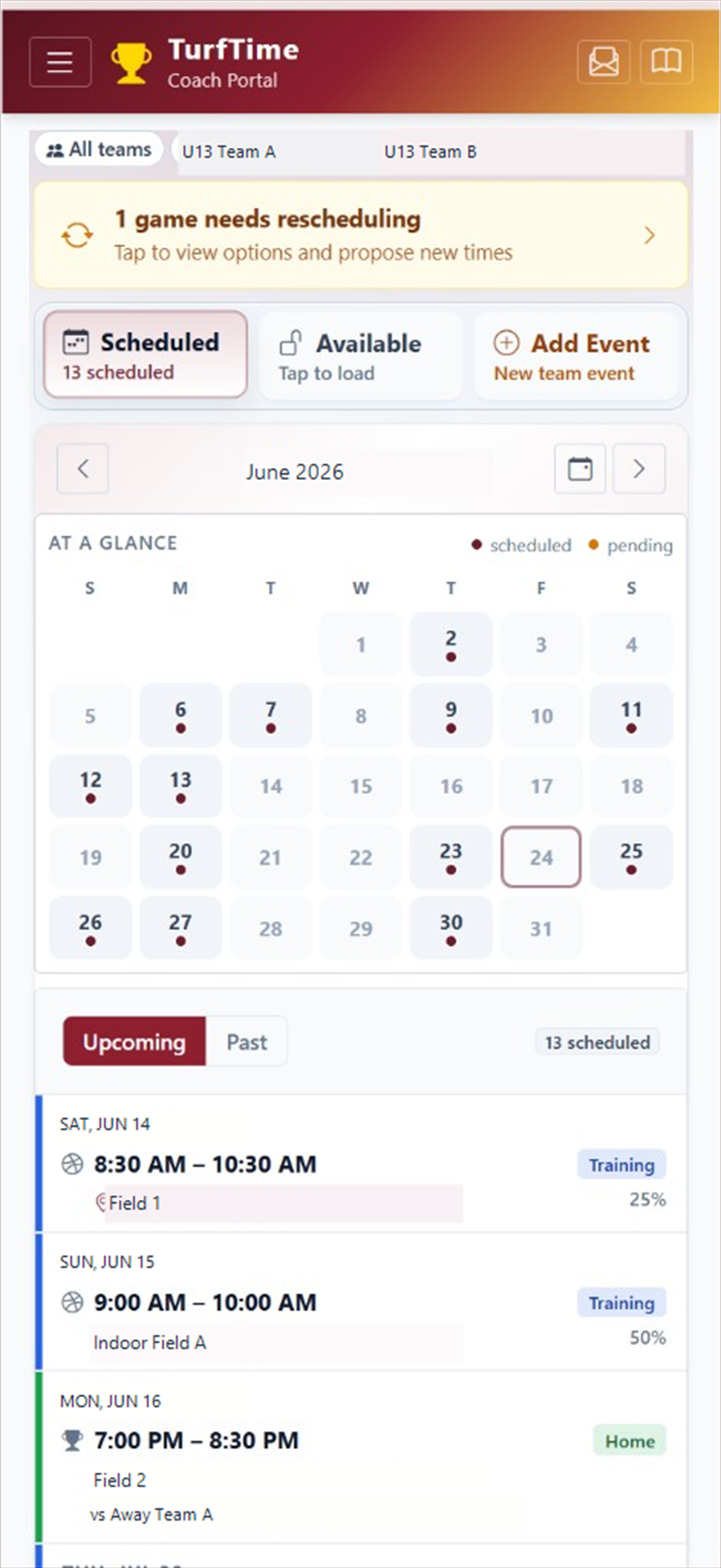
View Team Schedule
Coaches see training and games on their phone, with alerts when a game needs rescheduling.
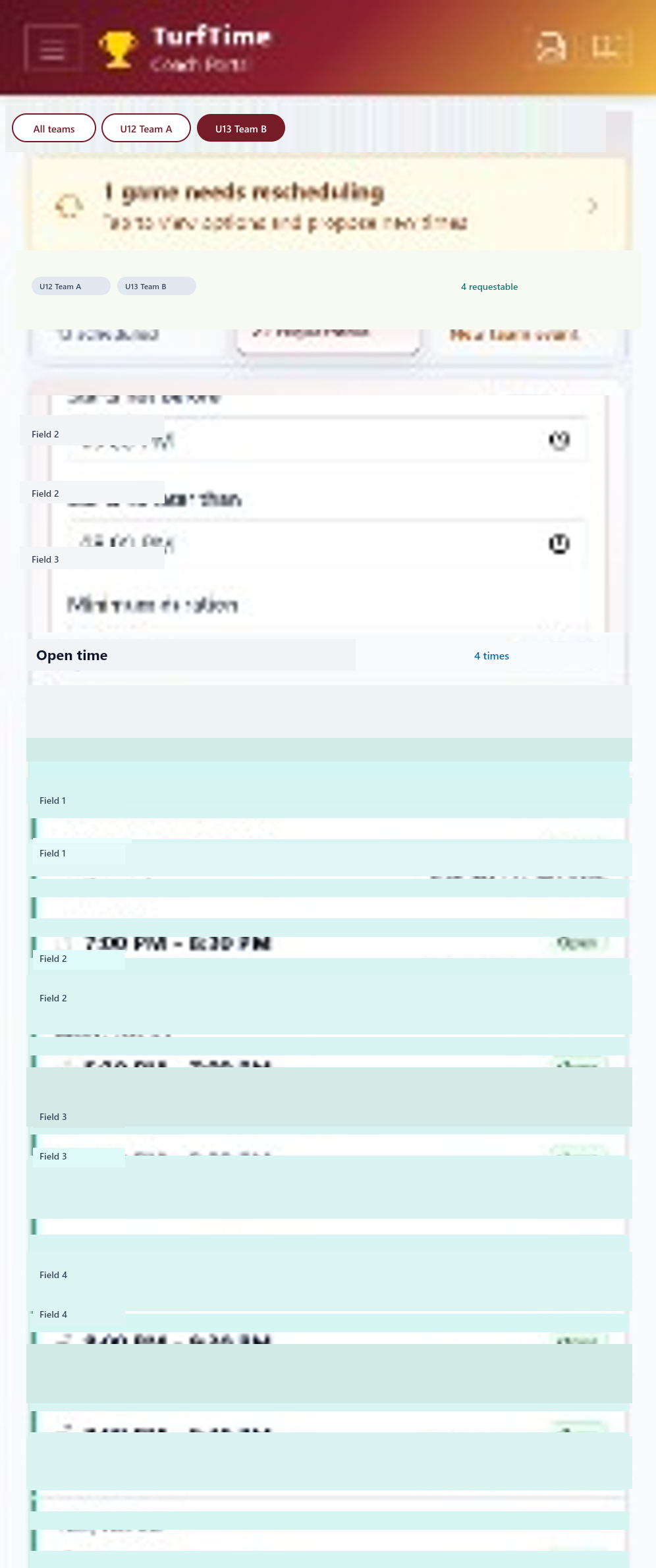
Find Available Fields
Browse open field time to request a slot — or a move to another time or place — without emailing the scheduler first.
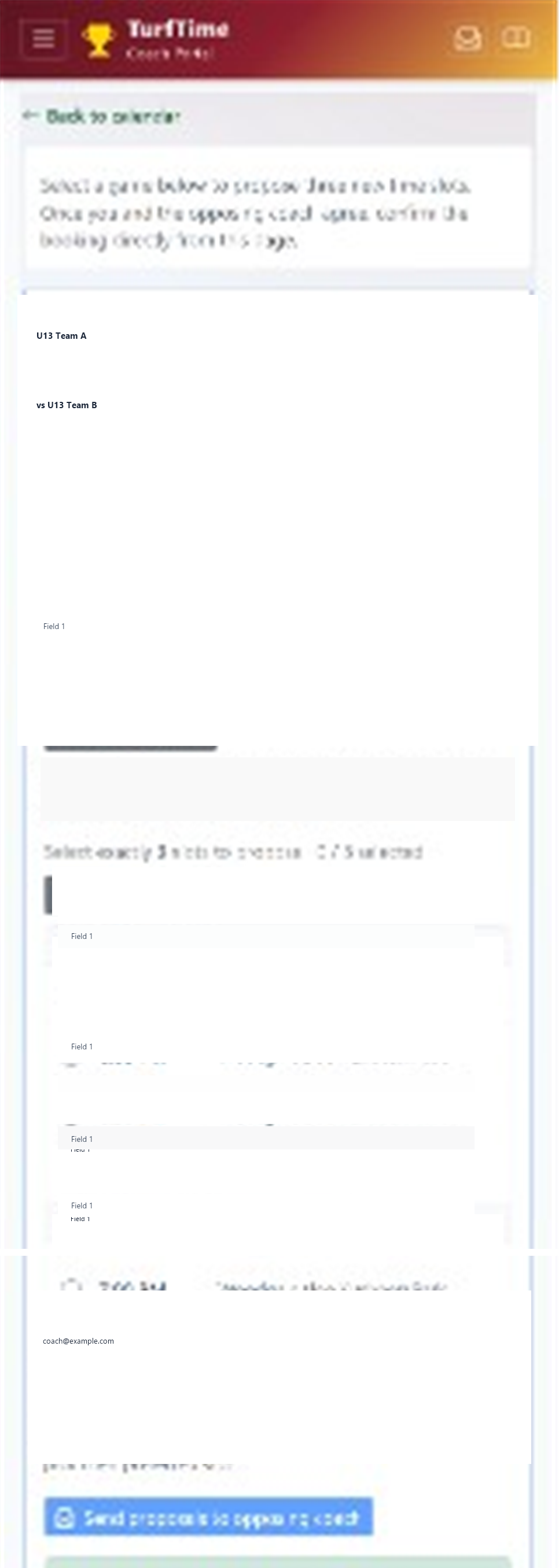
Look for Times to Reschedule Cancelled Games
Find open times for a cancelled or rained-out game and send proposed slots to the opposing coach.
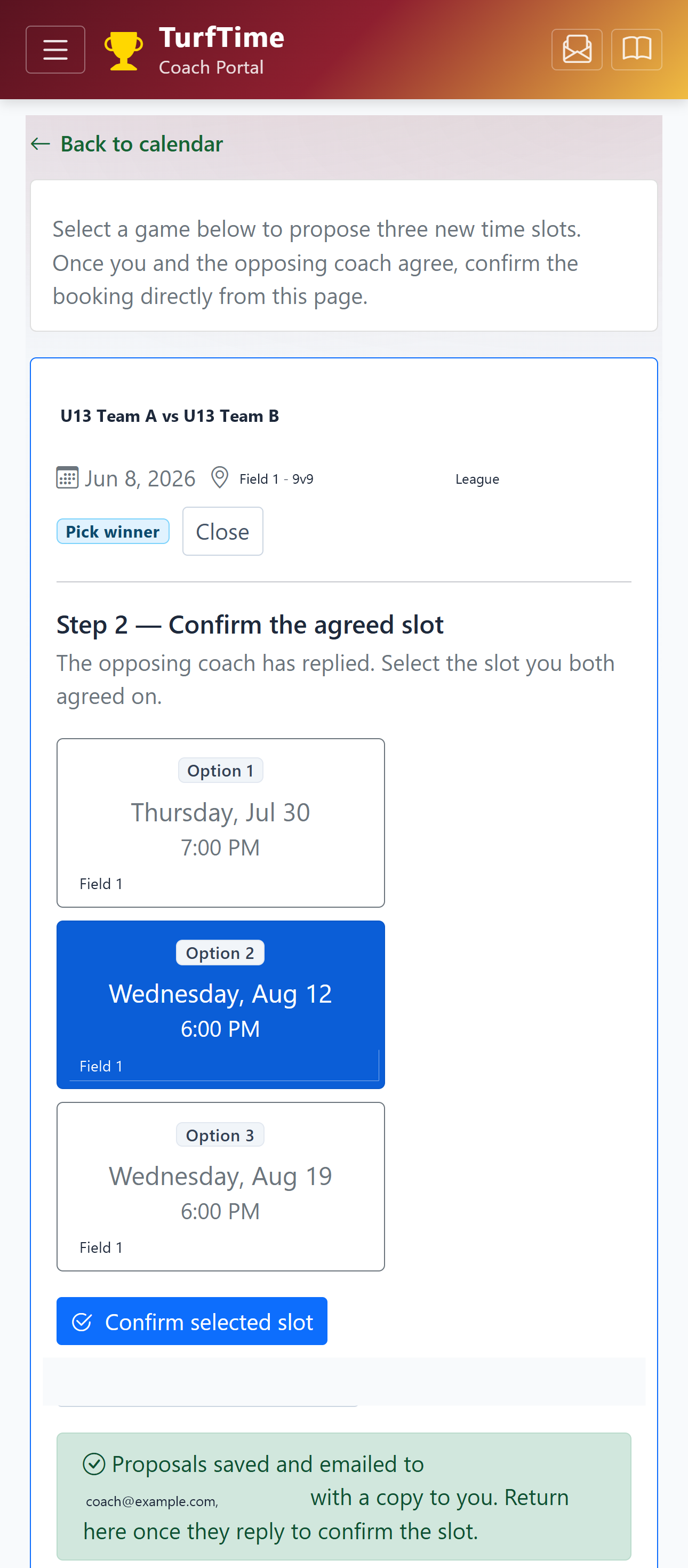
Confirm and Send to Scheduler
Once you and the opposing coach agree on a makeup time, confirm it and send it to the club scheduler.
What coaches can do
- View current club and team schedules
- Request available field time
- Submit recurring booking requests
- See approved changes
- Add relevant team events where permitted
- Track attendance where enabled
- Subscribe to team calendars
- Communicate with club schedulers
- Participate in structured rescheduling workflows
Administrators stay in control
Coach access is designed for self-service that reduces email and text traffic—not for unsupervised changes to the master schedule. Approvals, capacity rules and allocation decisions remain with the club.
That balance helps coaches get timely answers while volunteer and staff schedulers keep operational oversight.
See the Coach Experience
Request a demonstration and we will show how coach access works alongside your club’s administrative workflows.